

Facebook Ads have become an indispensable tool for small businesses looking to reach their ideal customers online. With over 2.9 billion monthly active users, Facebook offers unparalleled targeting capabilities, allowing you to connect with potential buyers based on demographics, interests, and behaviors—all at a fraction of the cost of traditional advertising. Whether you’re just starting out or looking to refine your strategy, mastering Facebook Ads can help you boost brand awareness, drive traffic, and increase sales without breaking the bank. In this ultimate guide, we’ll walk you through everything you need to know to create, optimize, and scale your Facebook Ads for maximum impact.
Why Facebook Ads Are Essential for Small Businesses
Cost-Effective Advertising
Unlike traditional advertising methods like TV commercials or print ads, Facebook Ads allow you to set flexible budgets—starting as low as $5 per day. You can choose between daily or lifetime budgets, giving you full control over your ad spend. This cost-efficiency makes Facebook Ads ideal for small businesses with limited marketing budgets.
Precise Audience Targeting
One of Facebook’s biggest advantages is its advanced targeting options. You can tailor your ads to specific demographics (age, gender, location), interests (hobbies, pages they follow), and behaviors (purchase history, device usage). Additionally, you can create custom audiences from your existing customer lists or use lookalike audiences to reach users similar to your best customers.
Measurable Results & ROI
With Facebook Ads Manager, you can track key performance metrics like click-through rates (CTR), cost per click (CPC), and return on ad spend (ROAS). This data helps you make informed decisions, refine your campaigns, and ensure you’re getting the best possible return on your investment.

Setting Up Your First Facebook Ad Campaign
Choosing the Right Ad Objective
Before creating your ad, select an objective that aligns with your business goals. Facebook offers three main categories:
- Awareness: Brand Awareness or Reach to increase visibility.
- Consideration: Traffic, Engagement, or Leads to drive interactions.
- Conversions: Purchases or App Installs for direct sales.
Defining Your Target Audience
Use Facebook’s audience selection tools to define your ideal customer. Start with broad criteria (e.g., age, location) and then refine using interests or behaviors. Pro tip: Test different audience segments to see which performs best.
Setting Your Budget & Schedule
Decide whether to use a daily budget (spent evenly) or a lifetime budget (total spend over a set period). For new campaigns, start small and scale as you gather data. Schedule your ads to run during peak engagement times, such as evenings or weekends.
Creating High-Converting Facebook Ads
Ad Formats & Best Practices
Facebook offers multiple ad formats, including:
- Image Ads: Simple and effective for brand awareness.
- Video Ads: Great for storytelling and engagement.
- Carousel Ads: Showcase multiple products in one ad.
- Stories Ads: Full-screen, immersive ads for mobile users.
Choose the format that best fits your campaign goal.

Writing Compelling Ad Copy
Your ad copy should be clear, concise, and action-driven. Use attention-grabbing headlines, highlight benefits, and include a strong call-to-action (CTA) like “Shop Now” or “Learn More.” A/B test different versions to see what resonates most with your audience.
Designing Eye-Catching Visuals
High-quality images and videos are crucial for ad performance. Use bright colors, clear text, and relevant visuals. Tools like Canva or Adobe Spark can help create professional ad creatives, even with no design experience.
Optimizing & Scaling Your Facebook Ads
Monitoring Ad Performance
Track key metrics like CTR, CPC, and conversions in Facebook Ads Manager. Identify top-performing ads and allocate more budget to them. Adjust underperforming ads by tweaking targeting, creatives, or copy.
A/B Testing & Improving Ads
Continuously test different variations of your ads—change images, headlines, or audiences—to find the best combination. Use Facebook’s built-in A/B testing tool for structured experiments.
Retargeting & Remarketing Strategies
Retarget website visitors or past customers using the Facebook Pixel. Create custom audiences based on engagement (e.g., users who viewed a product but didn’t purchase) and show them tailored ads to encourage conversions.
Common Facebook Ads Mistakes to Avoid
Poor Targeting & Broad Audiences
Avoid targeting too broadly, as this can waste your budget. Instead, refine your audience by adding layers of interests or behaviors to reach the most relevant users.
Ignoring Mobile Optimization
Most Facebook users access the platform on mobile, so ensure your ads are mobile-friendly. Use vertical videos, clear CTAs, and fast-loading images to maximize engagement.
Not Testing & Optimizing Regularly
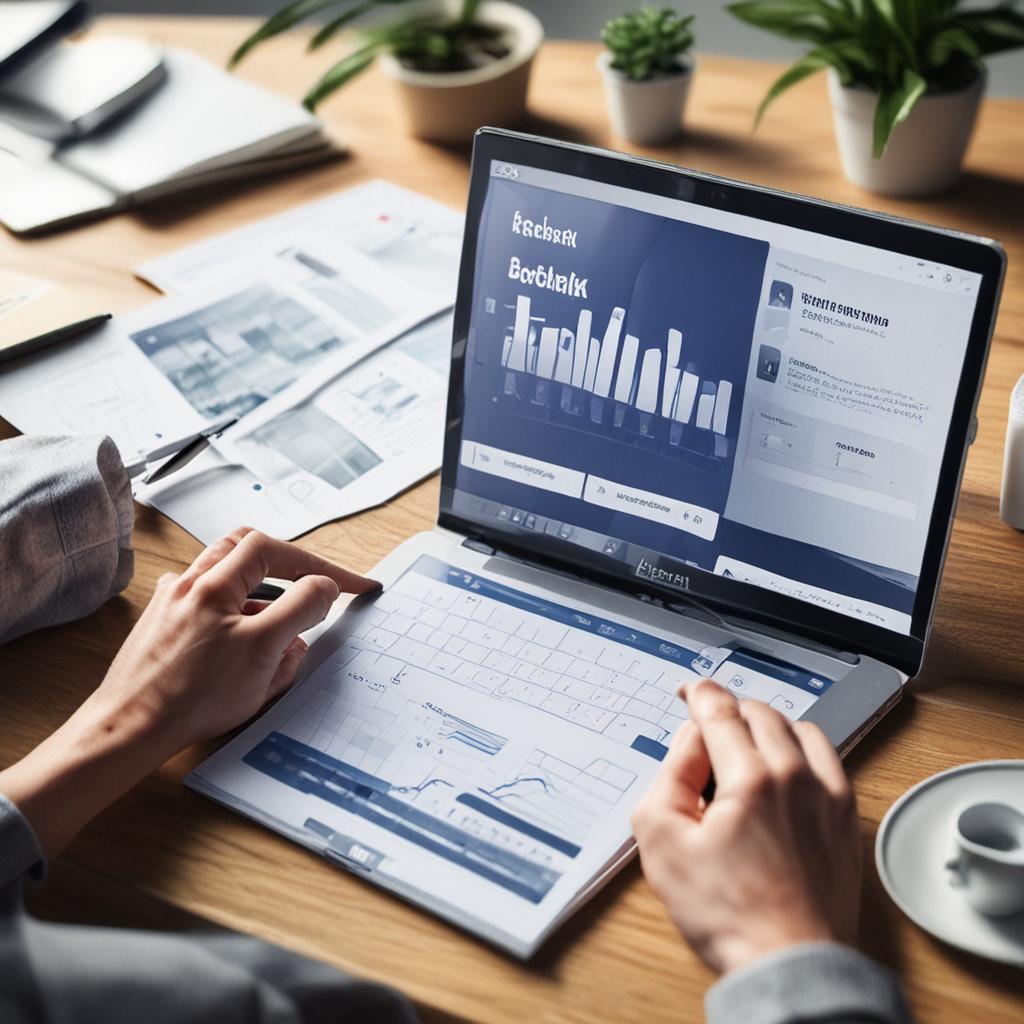
Static ads lose effectiveness over time. Regularly test new creatives, adjust bids, and optimize based on performance data. Stay updated with Facebook’s algorithm changes to adapt your strategy.
Conclusion
Facebook Ads offer small businesses an affordable, powerful way to reach their target audience and drive meaningful results. By understanding targeting options, creating compelling ads, and continuously optimizing your campaigns, you can maximize your ad spend and grow your business. Ready to get started? Begin with a small budget, test different strategies, and scale what works best for your brand.
FAQ Section
Q1: How much should I budget for Facebook Ads as a small business?
A: Start with $5–$10 per day and scale based on performance.
Q2: Can I run Facebook Ads without a website?
A: Yes, direct traffic to your Facebook Page, Messenger, or a lead form.
Q3: How long does it take for Facebook Ads to show results?
Statistics table for Q3: How long does it take for Facebook Ads to show results?
A: Initial results appear within hours, but meaningful data takes 3–7 days.
Q4: What’s the best time to run Facebook Ads?
A: Test different times, but evenings and weekends tend to perform well.
Q5: Should I use Facebook Ads or Instagram Ads?
A: Facebook Ads can appear on Instagram, but Instagram is better for visual storytelling.